
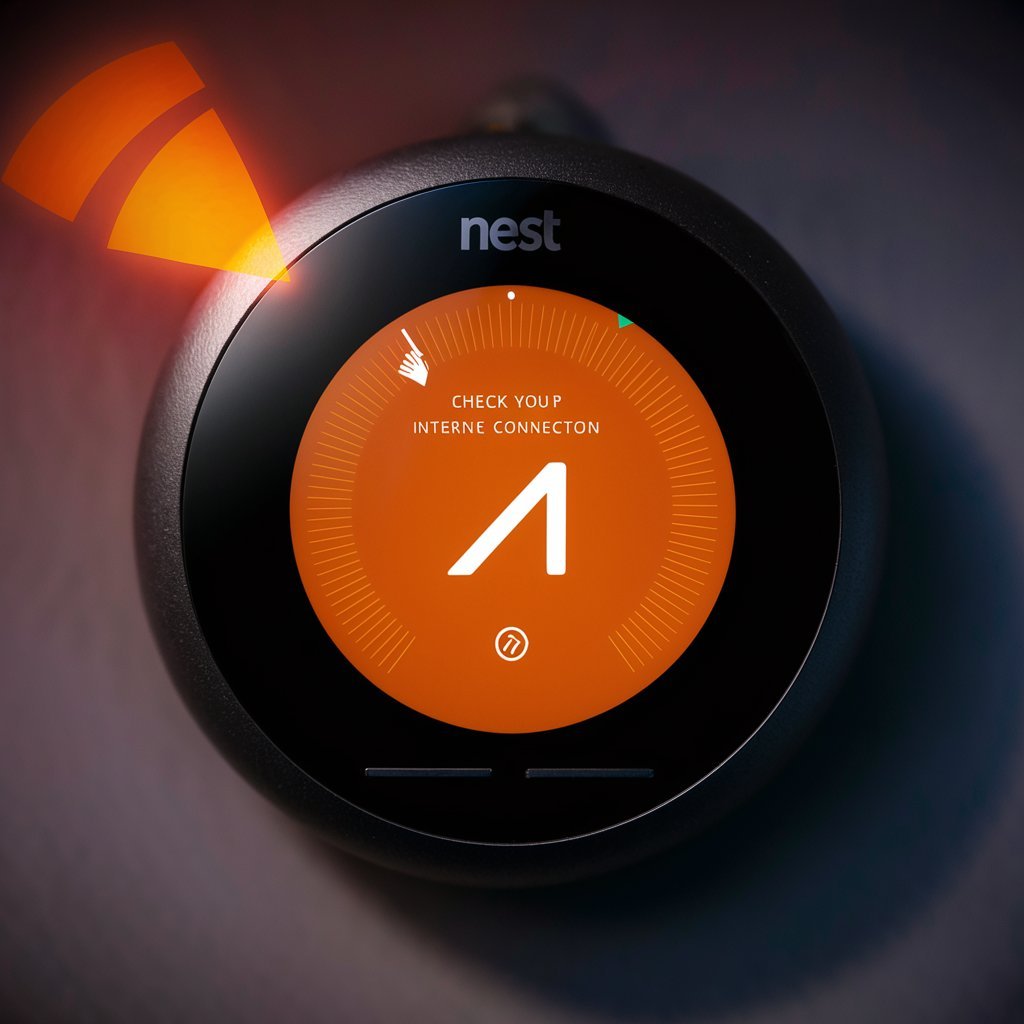
The Nest Thermostat is one of the most popular smart thermostats on the market, known for its sleek design, energy-saving capabilities, and advanced automation features. However, like any electronic device, it uses colored lights to communicate important information. One of the most common signals that confuses users is the orange light on Nest Thermostat. If you have ever noticed this glowing indicator, you may be wondering whether it signals a normal function, a charging issue, or a technical problem that needs fixing. In this article, we’ll cover everything you need to know about the orange light on Nest Thermostat, including its meaning, common causes, troubleshooting steps, and when to contact support. By the end, you will have a clear understanding of how to handle the situation and keep your thermostat working smoothly.
What Does the Orange Light on Nest Thermostat Mean?
When the Nest Thermostat shows an orange light, it usually indicates that the device is charging. Unlike the green, blue, or red lights that may represent different system statuses, the orange light on Nest Thermostat specifically points to low battery power. The thermostat draws energy from your HVAC system wires, but if it is not getting enough consistent power, it switches to charging mode. During this process, the thermostat uses its internal battery and glows orange until it reaches the necessary charge level. In simple terms, the orange light is not necessarily a sign of failure but a signal that your thermostat needs a little extra power to function properly.
Common Causes of the Orange Light on Nest Thermostat
There are several reasons why the orange light may appear, and understanding them can help you troubleshoot more effectively:
-
Low Battery Power – The most common cause is that the built-in battery has drained due to insufficient power supply from the HVAC system.
-
Loose or Faulty Wiring – If the thermostat wiring is not connected securely, the device may not get enough power, forcing it to recharge frequently.
-
HVAC Compatibility Issues – In some cases, older HVAC systems do not provide continuous power to the thermostat, causing the orange light to show up more often.
-
Power Outages or Surges – If your home recently experienced a power outage, the thermostat may temporarily lose its charge and need time to recover.
-
Software or Firmware Updates – Sometimes, during updates, the Nest Thermostat may display an orange light while recharging or rebooting.
How to Fix the Orange Light on Nest Thermostat
If the Nest Thermostat orange light continues to appear frequently, you may need to take action. Below are several solutions that usually help:
1. Check the Charging Cable
If you see the orange light while charging the device with a USB cable, make sure you are using the original Nest charging cable or a high-quality equivalent. Cheap or incompatible chargers may not deliver enough power, leaving the thermostat stuck in charging mode.
2. Inspect the Thermostat Wiring
Remove the thermostat display and check the wiring on the base. Ensure that the C-wire (common wire) is properly connected, as it provides continuous power. Without a working C-wire, the Nest Thermostat may rely on intermittent charging, leading to the orange light issue.
3. Restart or Reset the Device
Sometimes, a simple restart can resolve minor glitches. Hold down the thermostat ring for about 10 seconds until the screen turns off, then release it. The device will restart and may stop showing the orange light if it was caused by a temporary software error.
4. Wait for the Battery to Recharge
If the thermostat is charging due to low power, allow it some time to recharge. This could take 30 minutes to a couple of hours depending on how drained the battery is.
5. Contact Nest Support
If none of the above solutions work and the Nest Thermostat orange light remains persistent, it may indicate a deeper hardware issue. In such cases, reaching out to Nest customer support or scheduling a professional technician is the best option.
How to Prevent the Orange Light on Nest Thermostat in the Future
While the orange light is not always a problem, frequent charging interruptions can be frustrating. Here are some preventive measures:
-
Ensure proper installation with a stable C-wire connection.
-
Avoid cheap third-party chargers when manually charging the device.
-
Keep your thermostat updated with the latest firmware.
-
Check your HVAC system regularly to make sure it is delivering consistent power.
-
Consider adding a Nest Power Connector if your system does not provide enough power.
FAQ About the Orange Light on Nest Thermostat
Q1: Is the orange light on Nest Thermostat dangerous?
No, the orange light is not dangerous. It simply indicates that the thermostat is charging and does not pose any safety risk.
Q2: How long does the Nest Thermostat take to charge from orange light to full power?
It usually takes between 30 minutes and 2 hours to fully charge, depending on how low the battery is and the power source being used.
Q3: Why does my Nest Thermostat show an orange light at night?
If your HVAC system does not supply continuous power, the thermostat may recharge more often at night when the system is not running frequently.
Q4: Do I need a C-wire to stop the orange light from appearing?
While not always necessary, having a C-wire ensures that your thermostat receives continuous power, which can reduce or eliminate the orange light issue.
Q5: Can a faulty battery cause the orange light to appear all the time?
Yes, if the thermostat’s internal battery is damaged, it may never hold a charge properly. In this case, you may need a replacement thermostat.
Conclusion
The orange light on Nest Thermostat is one of the most common signals users encounter, and while it can seem concerning at first, it usually indicates something as simple as charging. By understanding what the orange light means, checking for loose wires, ensuring proper installation, and giving the device time to recharge, you can usually resolve the issue without difficulty. However, if the problem continues or if the thermostat does not charge at all, it may be time to seek professional help or contact Nest support. Ultimately, being proactive about your thermostat’s power needs will not only prevent the orange light from showing up but also ensure that your Nest Thermostat continues to save energy and keep your home comfortable year-round.
